
Searching Cases by Name
re:SearchTX is the statewide starting point for a public Menard County case search. Its basic search accepts a person or business name and lets the searcher narrow results by county, court, case type, and dates. Begin broadly, then add filters. Names can be entered in more than one style in older records, and a business may appear under a full legal name. A match is a lead, not proof that every filing or party detail is visible.
- Open re:SearchTX and select the Cases search rather than the court directory.
- Enter the last name and first name, or the full business name. Try a shorter form if no exact match appears.
- Set County to Menard, then narrow by court, case type, status, or filing-date range.
- Compare the style, cause number, court, and filed date before opening a result.
- Save the cause number and confirm any critical event or document with the proper Menard clerk.
| Field Label | Type | Required | Notes |
|---|---|---|---|
| Party or attorney | Text | No | Search a person, business, or attorney; spelling variants may matter. |
| County | Filter | No | Select Menard to avoid results from the other Texas counties. |
| Court or case type | Filter | No | Separate district, county, and other participating records. |
| Date range | Date | No | Limit by filed date or use a hearing search when the event date is known. |
Menard Search Tabs Explained
The statewide system separates Cases, Filings, Text, and Hearings. Cases is best for a known party or cause. Filings helps locate a filed item. Text can search indexed document text where that function and content are available. Hearings is useful when the court date is known but the cause number is not. Advanced search combines court, case category, party, attorney, status, and date limits.
The tabs do not promise equal depth. Court integration, user role, case type, and restrictions affect what appears. A hearing result may lead to the case detail, while a case entry may list an event without offering the document image. Record the tab, filters, access date, cause number, and whether the result was an event, a document, or a hearing. That small search log makes a later clerk request precise.
The official re:SearchTX screen shows the statewide entry point used for these searches.
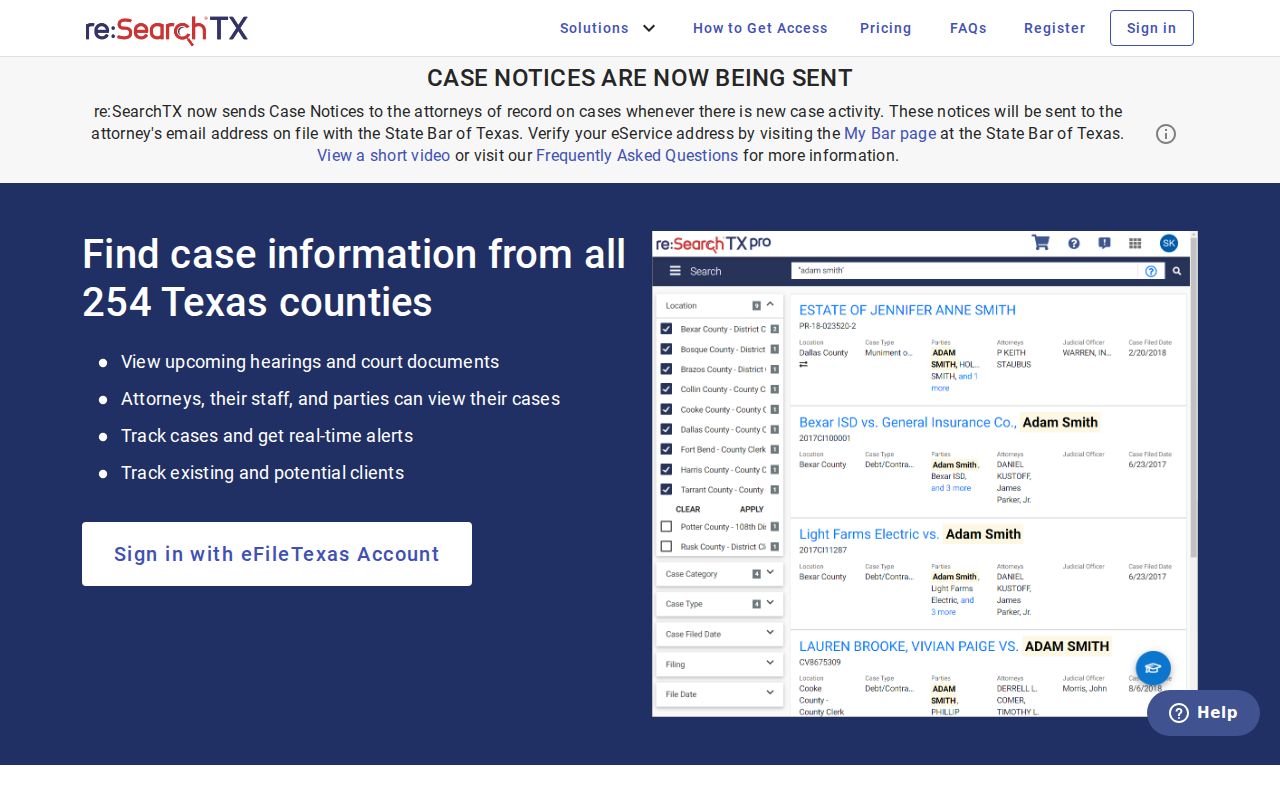
Its statewide reach is useful, but Menard County filters are essential in a judicial district shared with other counties.
Searching by Case Number
A cause number is the strongest search key. Enter the number exactly as it appears on a notice, order, pleading, or citation, including punctuation when the portal accepts it. Menard research did not establish one universal local format, so a made-up pattern would misroute readers. A safe example is [cause number as filed]. If an exact search fails, retry without spaces or hyphens, then add Menard County and the named court as filters.
Cause number and case type belong together. The 452nd Judicial District Court handles general-jurisdiction matters, while the constitutional County Court, Justice Court, and City of Menard Municipal Court keep different classes of cases. The Texas Judicial Directory finds court contacts, not cases. Use it to identify the correct office after the case search shows a court name.
Filter Menard From Five Counties
The 452nd Judicial District serves Menard with four other counties. A statewide result for the district is therefore not automatically a Menard County case. Check the county field, court name, case style, and filed date before relying on it. This matters most when common names appear or when an attorney works across the district.
Myth: Selecting the 452nd District limits a search to Menard. Fact: the county filter and result details still must identify Menard County.
The District Court Activity Detail is a reporting tool, not a party-name docket. It can give court activity context, while re:SearchTX or the clerk is used for an individual case.
What a Case Search Returns
A result can show the cause number, case style, court, case type, filing date, status, parties, attorneys, events, settings, and document references. The docket is a chronological case history. It records what was filed or set and when. It is not the same as a calendar, which focuses on upcoming settings, or a filed document, which contains the actual text.
| Cause number | The court's unique case key; copy it exactly from the result. |
|---|---|
| Style or parties | The caption naming the parties, which may differ from a searcher's expected name order. |
| Case type | The category, such as civil, criminal, family, or probate, when publicly shown. |
| Filed date | The date the action entered the court system, not the date of every event. |
| Status | A current label such as pending or disposed; the event history explains more. |
| Events and settings | Filings, notices, orders, hearings, resets, and disposition entries in date order. |
Menard Entries Versus Documents
A docket line may prove that a motion, notice, or order was entered without exposing the image. Public access depends on court integration, the case category, the user's role, and any restriction. A free result can also stop at index-level data. Registered users permitted to retrieve covered documents through re:SearchTX may face the separate electronic retrieval charge described in the official fee order: ten cents per page, with a one-dollar minimum per document.
That portal price is not a universal Menard clerk fee. Nor does an exported result become a certified copy. Certification is the clerk's authentication of a particular record. Ask the District Clerk for a district case file and the County Clerk for a county case file, stating the cause number, exact document, desired format, and whether certification is needed.
The eFileTexas active-courts table offers a useful coverage clue.
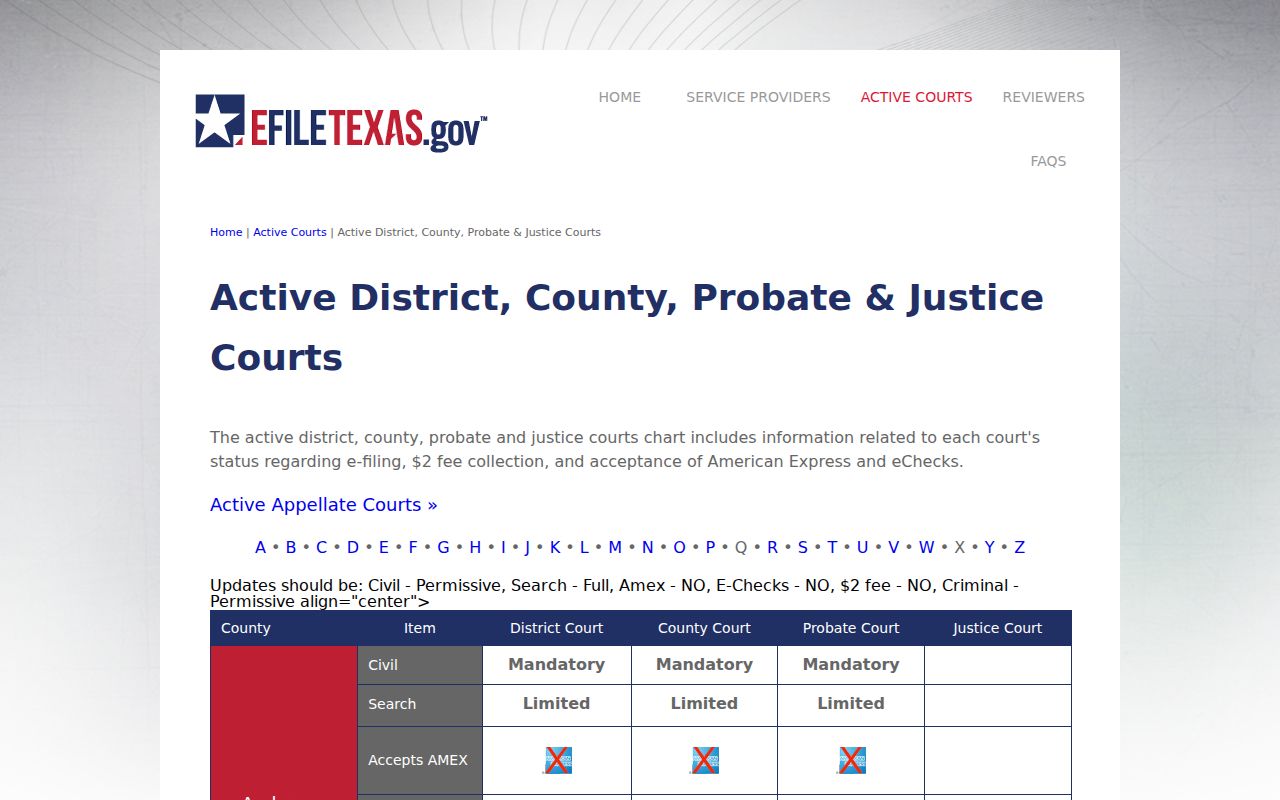
Participation does not prove that every historic event or public image has reached the search portal.
Statewide vs County Case Search
Use re:SearchTX for a structured, statewide search across participating courts. Use the County Clerk's linked LGS service for local indexed records when it responds. During research, that public LGS address closed the connection. That failure should not be read as proof that a record is absent. It means the clerk fallback matters.
| re:SearchTX | County LGS Link |
|---|---|
| Participating Texas courts, filtered to Menard | Local record families exposed by the county service |
| Cases, filings, text, and hearing search options | Service and depth may vary; it failed during inspection |
| Best for a statewide or multi-county search | Best for following the County Clerk's official local link |
When Menard LGS Will Not Load
First confirm that the link came from the Menard County Clerk page. Do not send names, birth dates, cause numbers, or payment data to a look-alike address. Retry later, then call or visit the office that keeps the file. County Clerk records are available at 206 East San Saba Avenue, Menard, Texas 76859, by phone at 325-396-4682. Office hours are Monday through Thursday, 8:00 a.m. to 5:00 p.m., and Friday, 8:00 a.m. to noon.
For a district case, use the District Clerk page and request the existing docket or named document. A mailed or in-person request should give the court, cause number, case style, date range, and format. Ask for a fee estimate and whether the item can be inspected before ordering copies.
The eFileTexas overview explains filing and public access as separate functions.
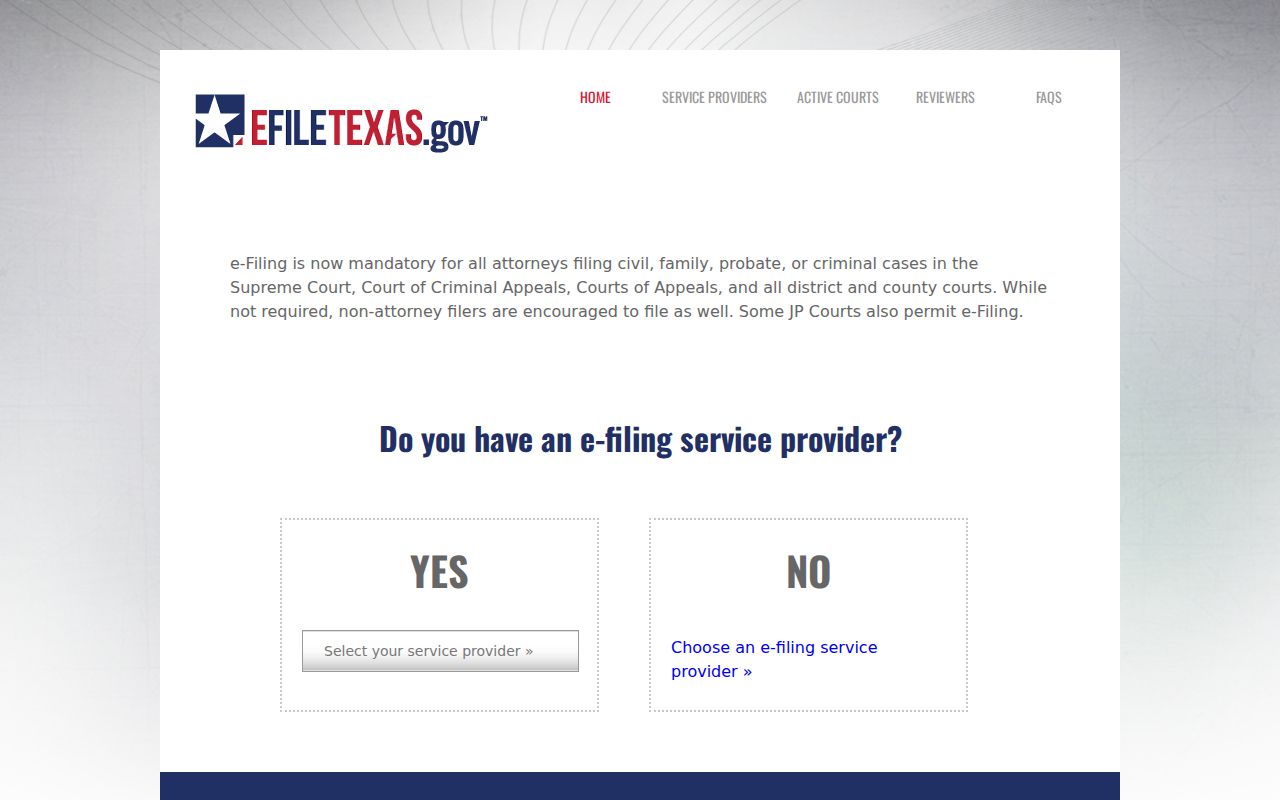
Submitting a filing does not by itself make the full case file searchable to the public.
Access and Restricted Cases
Public access in Texas is broad but structured. Sealed records, juvenile material, protected family or probate information, mental-health records, warrant information, personal identifiers, and items restricted by order may be hidden or redacted. An empty result can also mean a spelling mismatch, wrong court, delayed integration, or portal outage. It does not prove that no case exists.
Case files are governed by court rules, statutes, common law, and orders, with the clerk generally serving as custodian. Judicial administrative records follow Rule 12 instead. Texas courts are not handled like ordinary county agencies under the Texas Public Information Act. Ask the clerk which rule controls, and request lawful access to a specific existing record rather than demanding a new report.
Search Menard Hearings by Date
When only a hearing date is known, use the Hearings tab and filter by Menard County, date range, and court. Open the detail screen, then compare the cause number and case style. For child-protection matters, the state maintains a separate Menard 452nd Child Protection Court selector. That calendar is specialized and may involve protected information.
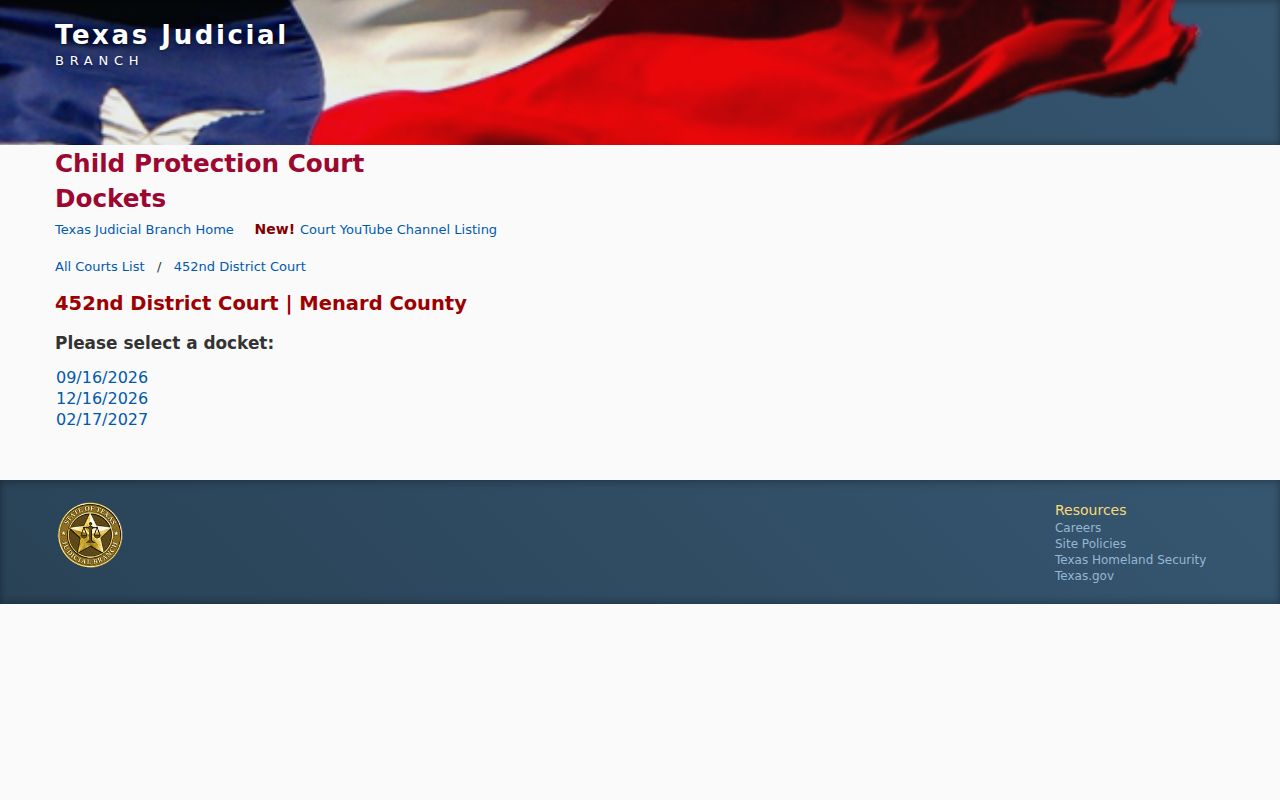
The selector confirms a dedicated date channel, but it does not replace the clerk's official case file or authorize access to restricted documents.
Read a setting with care. A notice, reset, continuance, or hearing entry is not a final ruling. Confirm the current date with the court coordinator or clerk before travel, especially if a prior setting was changed.